
Unit 2: Algorithms Unit 3: Programming Unit 4: Data representation
MovieBox के बाहर भी एंटरटेनमेंट पिक्स
हम casual games और short drama पसंद करने वालों के लिए partner destinations भी दिखाते हैं। किसी भी अनुभव को एक टैप में खोलें।
आपको ये भी पसंद आ सकते हैं
Alphabet (ABC) Songs by CoComelon
Signal in catalog
CocoMelon | Little Baby Bum | Blippi - Nursery Rhymes & Kids TV Shows
Signal in catalog
CoComelon - Happy Holidays
Signal in catalog
BabyBus | Learning Vehicles Song | Car Songs | Cars for Kids | Nursery Rhymes | Baby Cartoon
Signal in catalog
Educational Videos for Children - Lingokids
Signal in catalog
The Original CoComelon Alphabet Series
Signal in catalog
CoComelon For Journeys
Signal in catalog
CoComelon Dance Party | Dance Along & Kids Songs
Signal in catalog
Primary 2 English
Signal in catalog
CoComelon Dance Party - Mix
Signal in catalog
Primary 2 Mathematics
Signal in catalog
Primary 4 English
Signal in catalog
Primary 4 Mathematics
Signal in catalog
BabyBus | Super Panda Rescue Team | Cartoon for Kids | Kids Animation
Signal in catalog
JJ & Friends by CoComelon
Signal in catalog
Animation & Kids Songs collections For Babies | BabyBus
Signal in catalog
PrePrimary English
Signal in catalog
PrePrimary Maths
Signal in catalog
SS 1 Physical
Signal in catalog
ABC Songs for Kids - CoComelon Nursery Rhymes
Signal in catalog
Classic Fairy Tales: Season 1
Signal in catalog
Primary 3 Science & Technology
Signal in catalog
Hank's Big Adventure!
Signal in catalog
SEAS Videos
Signal in catalog
टिप्पणियाँ
6 टिप्पणियाँ
Computers use binary to process data. There are simple techniques to convert between binary and denary and to add two binary numbers together.
When designing programs, there may be some instructions that need repeating. This is known as iteration, and is implemented in programming using FOR and WHILE statements.
When designing programs, there are often points where a decision must be made. This decision is known as selection, and is implemented in programming using IF statements.
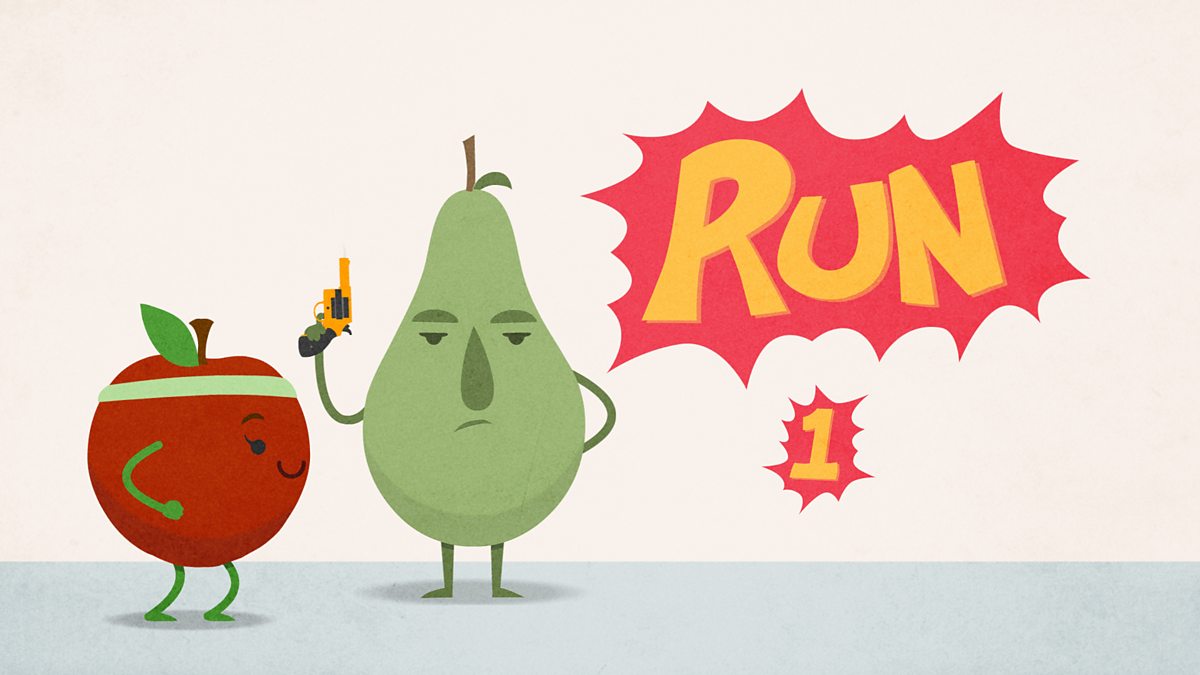
When designing algorithms, there may be some steps that need repeating. This is known as iteration, and can be displayed in pseudocode or flowcharts.
When designing algorithms, there are many steps where decisions must be made. This decision is known as selection, and can be displayed in pseudocode or flowcharts.
When designing algorithms, it is important to make sure that all the steps are presented in the correct order. This is known as sequencing, and can be displayed in pseudocode or flowcharts.